From event setup to final attendance confirmation.
Create your event, add guests, and let Remivite track replies, remind non-responders, and help you understand your final numbers before the event.
Simple for hosts. Low-friction for guests.
Remivite is built for the part that usually creates uncertainty: knowing who has replied, who needs a reminder, and what number you can actually plan around. You can compare the workflow with WhatsApp messages or Google Forms if you are weighing manual tools first.
How it works
From invite to final headcount, fully handled.
Add the date, location, and a short note for your guests. Takes two minutes.
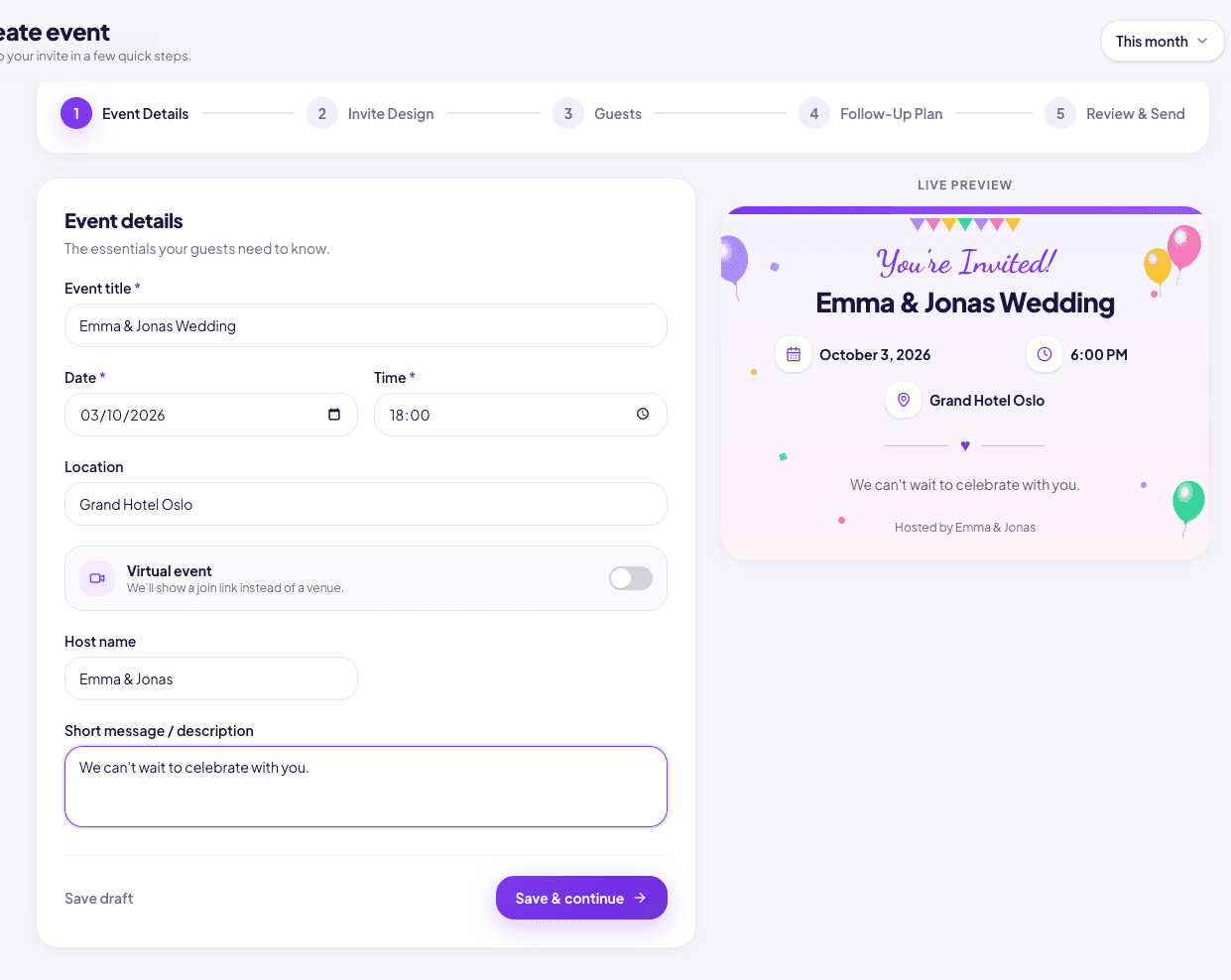
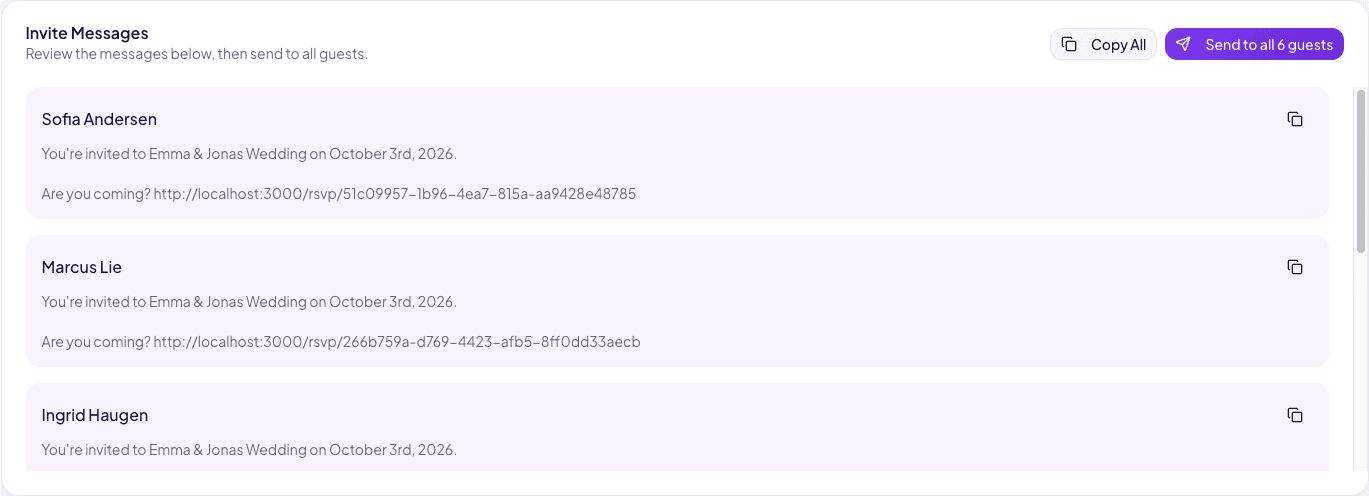
Add guests by name and email. Keep your guest list in one place — always up to date.
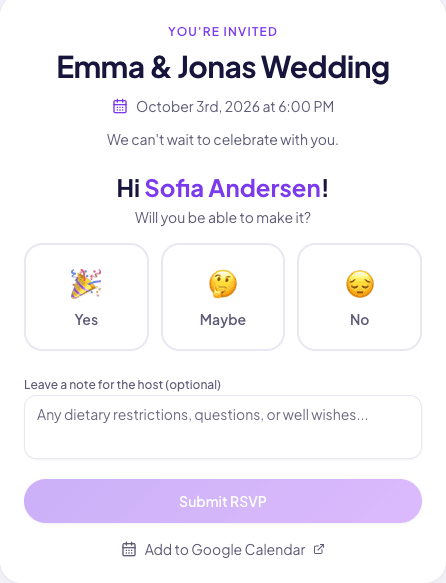
They open a personal link and confirm yes, maybe, or no. Notes and calendar add-on included.
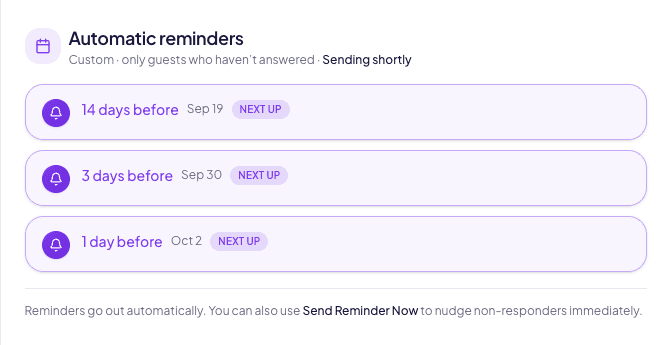
Guests who haven’t confirmed get gentle reminders, only non-responders, at the right time.
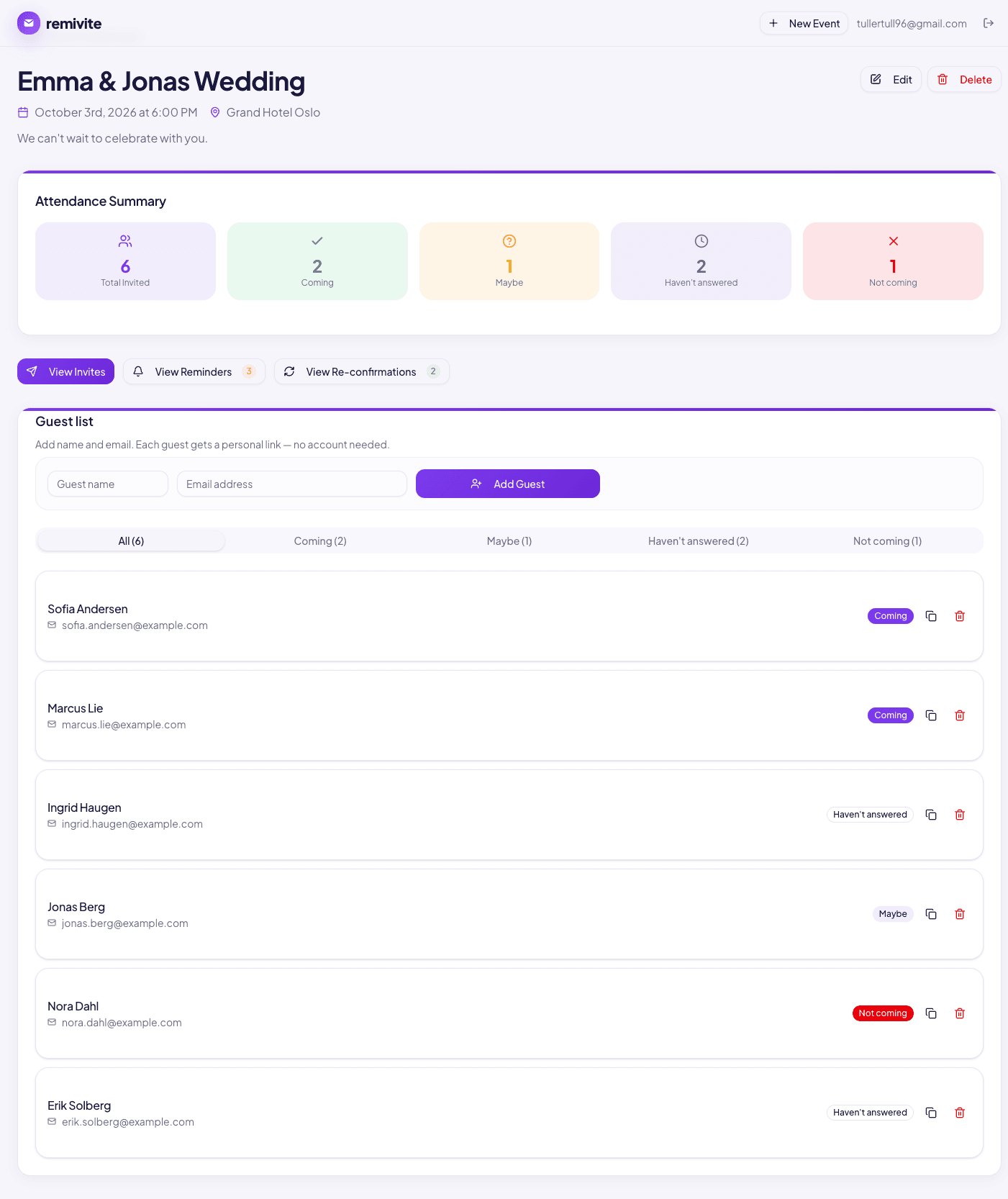
See guest confirmations live and know your final headcount without chasing anyone.
What happens close to the event?
The first RSVP is only part of the job. Remivite helps you keep following up with guests who still have not answered, so your final headcount is not based on guesswork. That is especially useful for wedding guest confirmations, catered dinners, private events, and any gathering where the number affects cost or logistics.
Built for hosts who need a real answer.
Remivite is not just an invite page. It keeps track of replies, sends follow-ups only to non-responders, and helps you lock the final number before your event. Pricing is simple and pay-once; see the pricing page for the current event price.
Common questions about reminding guests to RSVP
How do you remind guests to RSVP without being annoying?
The key is only reminding the guests who have not replied yet — not sending the same message to everyone again. When someone has already confirmed, getting another reminder feels unnecessary and can come across as pushy. Remivite tracks each guest's status and sends follow-ups only to those who are still silent, so confirmed guests are never bothered again.
How many RSVP reminders should you send before an event?
For most events, two reminders is the right amount: one a few weeks after the initial invite, and a final nudge close to your RSVP deadline. More than that risks feeling like spam. Fewer and you may not get a complete headcount. The timing matters more than the count — a reminder one week before a catering deadline is far more effective than one sent a month out.
When should you send RSVP reminders?
Work backwards from your planning deadlines — usually catering numbers, venue confirmation, or seating arrangements. Set your RSVP deadline two weeks before those deadlines so you have time to follow up with the last few non-responders. A first reminder two to three weeks after invites go out, and a final reminder three to five days before your RSVP deadline, tends to get the highest response rate.